Nathan and I had a great session today and we now have a really good process for recreating the NMI Newsletter in a way that is more user friendly and makes it much easier to make it visible publicly. For my own benefit as much as yours, I’m going to document the process below. Firstly though, I have tidied up the template and made it a bit cleaner and more structured. It’s easy to change it if we need to so it’s not permanent.
If you are in the correct group (e.g. @NMI-exec), you will be able to create a “Shared Draft”. This means that you can follow the process below to create one and edit a draft Newsletter.
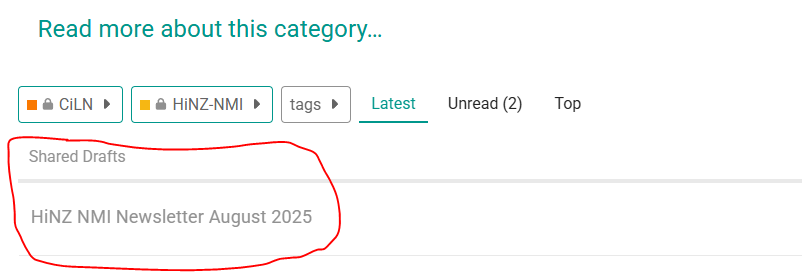
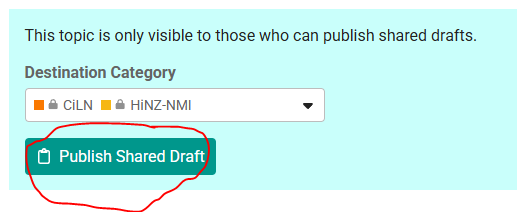
We discussed this and think that all the members of the NMI exec should have these rights as we take it in turn to do the Newsletter. I have created a draft for August 2025. If you click on Communities > HiNZ-NMI on the left hand menu, you should see the shared draft at the top. Others won’t see this yet. Click on the draft to view and edit (in the same way you edit a Wiki), just don’t press “Publish Shared Draft” at the top just yet!!
To create a draft Newsletter:
-
In Communities > HiNZ-NMI click
+ New topicat the top right -
From the New Topic window click the
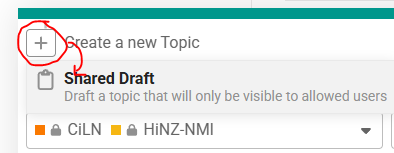
+next toCreate new Topicat the top left and chooseShared draft
-
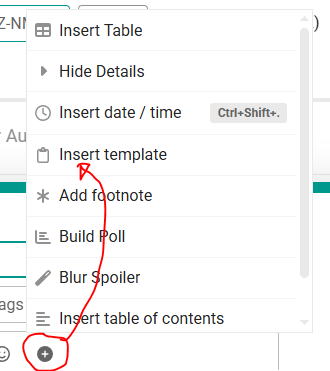
Click the black cross and choose Insert template.
-
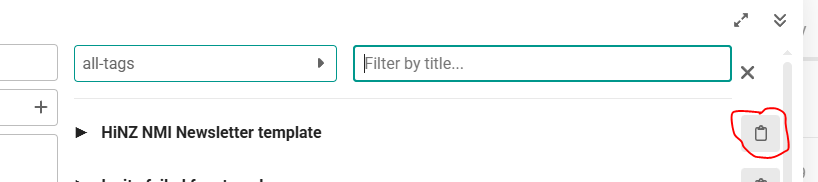
Then click the folder icon next to the NMI Newsletter template, this inserts the template
Edit the title for the appropriate month -
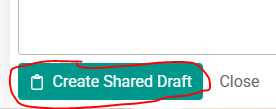
Click the
Create Shared Draftbutton at the bottom
Alternative Method
Click to reveal
-
Visit Forum Stuff > Templates and click on the appropriate Newsletter template.
- for the NMI newsletter, it is this: ehealthforum.nz/t/hinz-nmi-newsletter-template/33099
-
Click on
+ New topic from template -
From the New topic window click the Create new Topic cross at the top and choose Shared draft, and select Communities > HiNZ-NMI.
-
You’ll need to put the Newsletter Title in full before clicking
Create Shared Draft. For example:
HiNZ NMI Newsletter December 2025
Editing the Draft Newsletter
Once created, you can then edit the draft by clicking on it in the Communities > HiNZ-NMI menu page
Once you are finished, click the red Publish Shared Draft button
Each time you want a new one, follow the process above to create a new one.