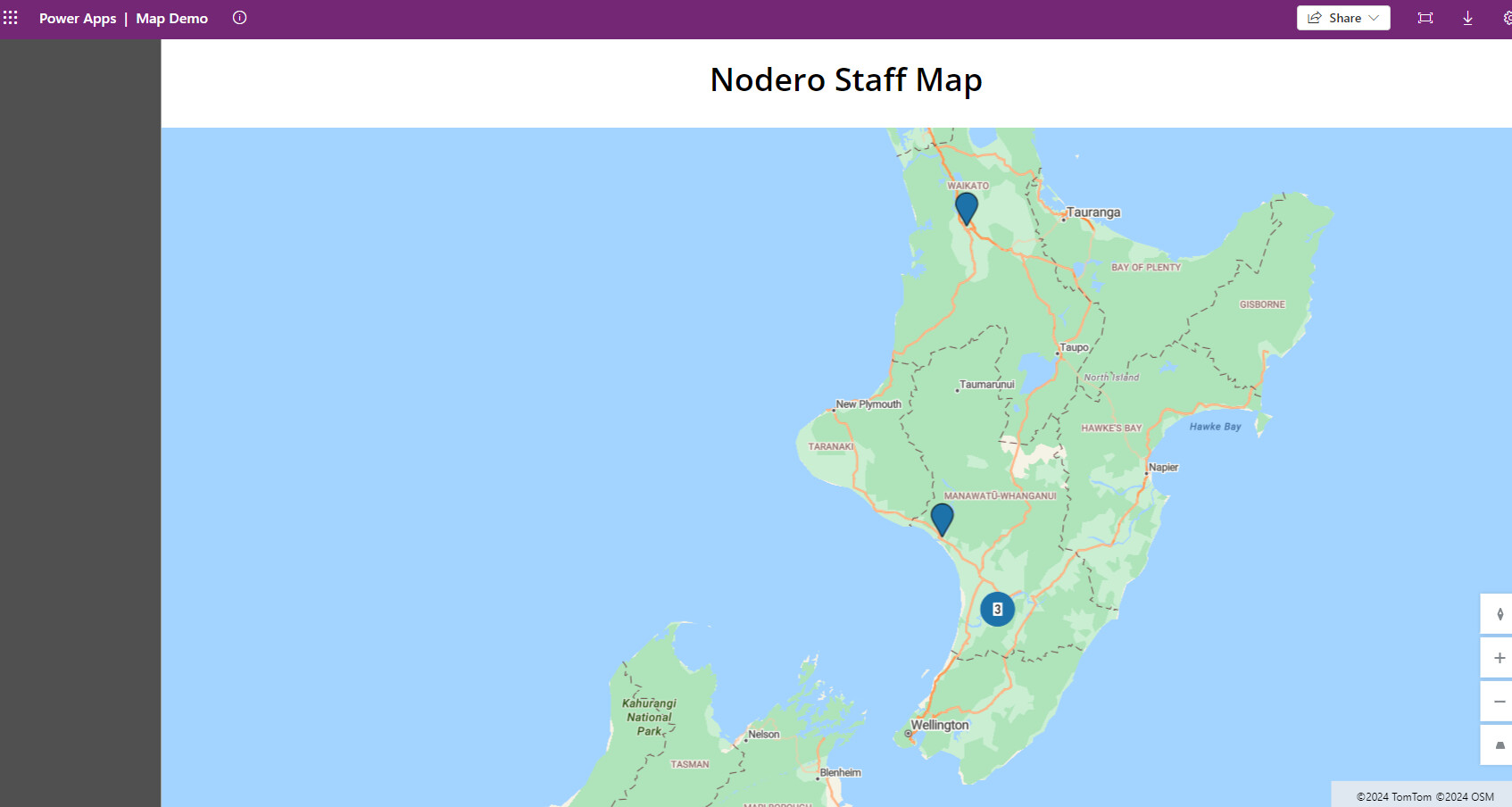
I’ve been looking at a way to display the members of a Team on a map of New Zealand, using pins or similar - much like the Users Map we have here in the eHealth Forum.
There isn’t an out of the book solution for this, nor have I been able to successfully hack something up.
Is anyone here wise in the ways of Power Apps interested in helping sort this out? It would be super helpful across the Motu I think, especially for national teams.
This can be done, but does require creation of a custom shape file to display a map for NZ and data mapped to the geo-spatial geographies for the shape file.
When last using PowerBI like this during the covid respose in waikato it was still in testing and required turning on the preview features in advanced options.
Cool if you can get it all working, but better off using ArcGIS (if you have a licence and the plug in active in PowerBI to display maps).
This is live and uses the component you linked to as well as querying the Bing location API to get long lat from the office location associated with our team members
Main thing to note is that a premium PowerApp licence is needed to view which probably doesn’t make sense for the value it provides.
A better solution might be to build a Spfx app that can sit within Teams or SharePoint itself rather than using PowerAutomate.
Thanks Mark - your comment on Power Apps is pertinent due to tightening of Microsoft licencing:
I did see something online about using a SPFX app for this sort of thing - that does seem a smarter path in our (and probably most others’) context. I’ll see if I can find it again.